The same questions, all day.
Hours, pricing, availability, “do you do this?” Someone answers them by hand, including after the office closes.

A Shift Solutions service• Pamoja AI
We find the repeat work landing on you, connect AI to your systems, train your team, and keep it running. You keep your tools. You own everything we build.
Where it hurts
Most organizations are paying for AI tools nobody uses, while the questions, quotes, reports, and follow-ups still land on the person at the top.
Hours, pricing, availability, “do you do this?” Someone answers them by hand, including after the office closes.
Estimates, follow-ups, and the weekly numbers get done after everything else, usually by the owner.
The handbook lives in someone's head. A new hire asks the same person the same things for months.
How it works
We don't replace the CRM, the books, or the calendar. We connect AI to them, then stay on so it keeps working.
We learn how your week actually runs, test AI on your real content, and write a build plan.
Your team gets set up on the AI workspace you already pay for, and practices on its own work.
An assistant answers from your content. AI connects to your systems. Two or three workflows go live.
Monthly tuning, a one-page report on what it's doing, and a decision about the next build.
Before we build
Nothing large gets built until these six lines are filled in with you. If we can't fill them, we aren't ready to build.
Offers
What it costs depends on the scope. Email us about the work, and we'll talk it through.
Diagnose
Two weeks: staff interviews, a look at the systems you pay for, a one-week pilot on real content, a gap report, and a written build plan. About four hours of your time, and two from each person we interview.
Email usEquip
A half day with your team, up to 12 people, practicing on the tasks they actually do. A full day covers up to 25.
Email usInstall
An assistant on your website and in staff chat, trained on your content, live in two weeks. When it can't answer, it hands off to a named person. The assistant platform is billed to you directly.
Email usInstall
Assistants, connections into the systems you already run, two or three workflows, training, and a handoff. You own the accounts and the documentation. This usually follows a Sprint.
Email usRun
Monthly tuning, source updates, and a one-page report. Care Plus adds a working session and one small build per quarter. Managed adds new-hire onboarding and priority support.
Email usRun
A lead for the work after an Install: a monthly leadership session, priorities and policy, and the next build.
Email usThe assistant platform and your team's AI tools are billed to you by the provider. We charge for the work.
See it on your site
We'll build a working assistant from your public site before we scope the work. It only knows what's already published, so the questions it misses are usually the ones your team answers by hand.
Who we serve
01
Teams of about 10 to 50. The owner or general manager is still the one the repeat work runs through.
02
Executive directors carrying fundraising, board reporting, and the team at the same time.
03
Senior and executive pastors carrying the operation on top of the ministry.
How we handle your data
This is our Stewardship Standard. It is not a certification, and we don't call it one.
AI reaches only the data a workflow needs, read-only unless a person approves a change.
If someone can't see a record today, they can't see it through AI.
Nothing sends, posts, or pays without a person approving it.
Every AI data action is recorded, and you can see the log.
Health, payment, personnel, giving, pastoral care, and children's records stay out of chat assistants.
Accounts, configuration, and documentation transfer to you. If you leave, nothing breaks.
Who you're working with
Pamoja means “together” in Swahili. The work is done with you, inside the business you already run.
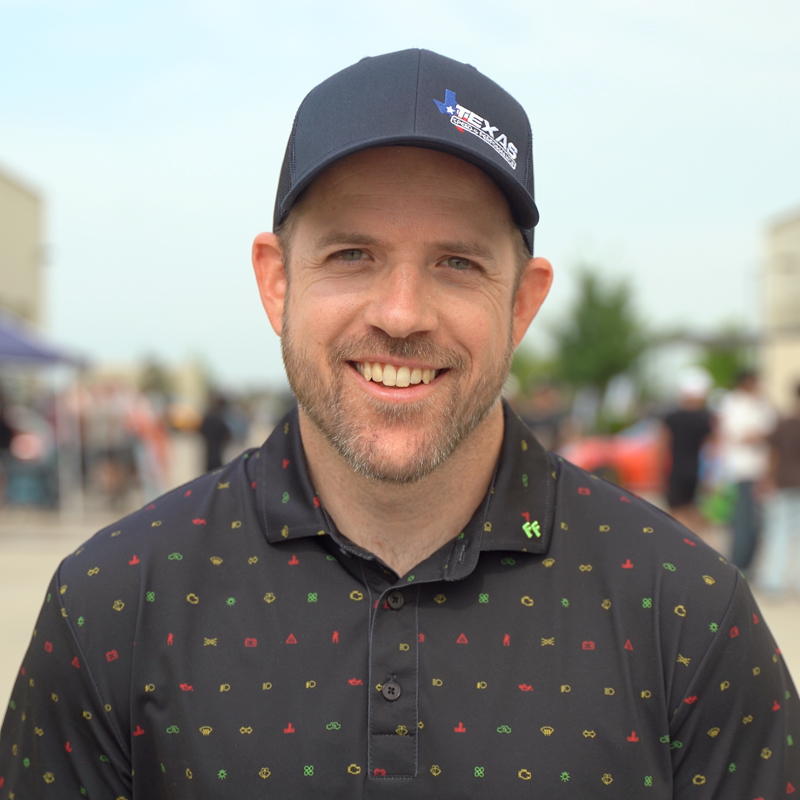
Owns Shift Solutions and builds every system we deliver, including the AI we set up inside the tools you already run. Years in ministry and software, as comfortable with a church office as a contractor's dispatch board. He leads our work with small businesses and churches.
The first conversation is about the work, not a pitch. If it isn't a fit, we'll say so.